
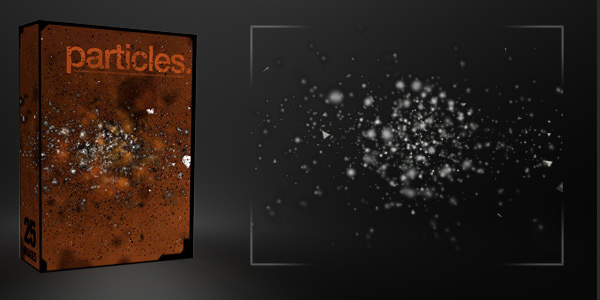
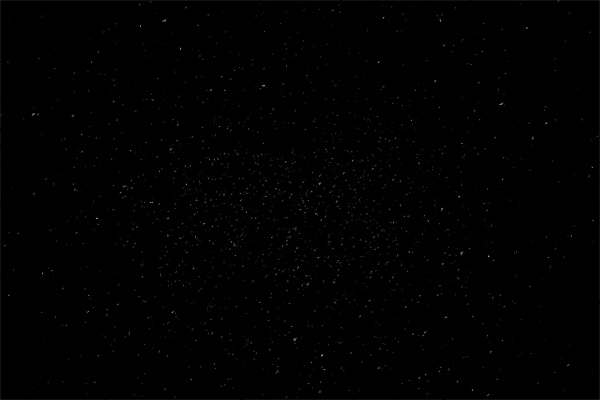
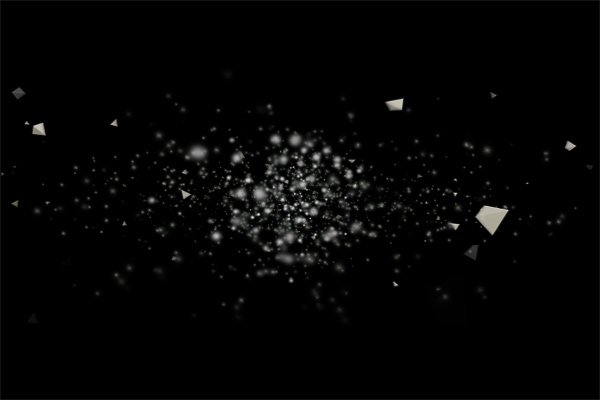
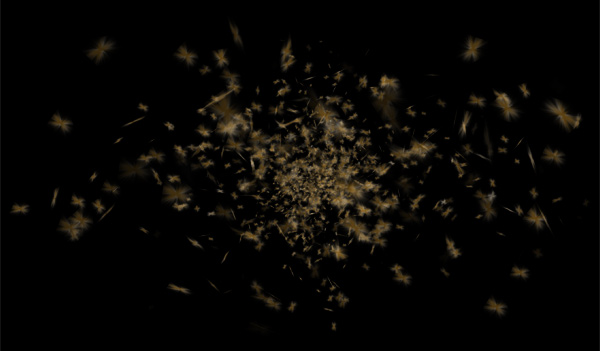
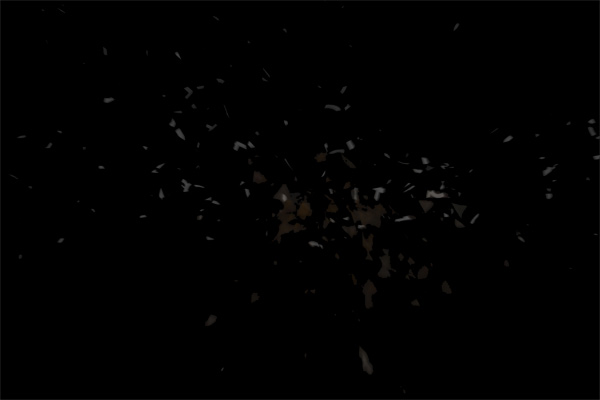
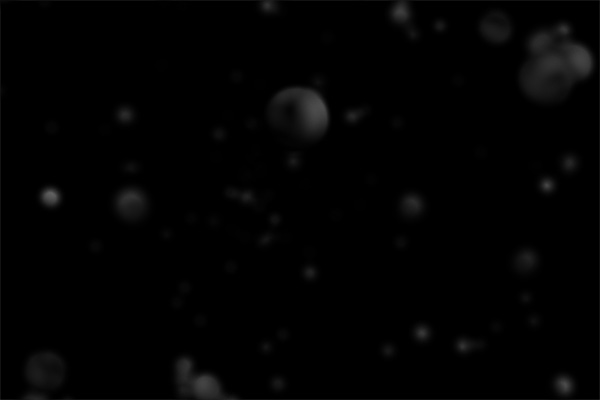
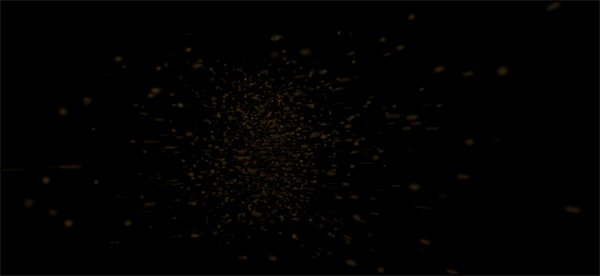
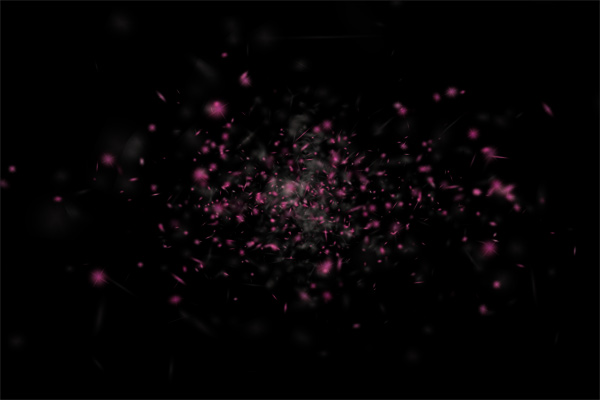
Particles are a great way to add that final touch to your design. They make designs feel more alive and moving. This resource pack includes 25 PNG images with transparent backgrounds of dirt, debris, and broken particles. All the PNG’s are around 3000 pixels wide at 300 dpi. Personal and commercial use is welcomed and encouraged!
Previews:
Related Packs
Did you like this pack? We have a ton of amazing freebies you should check out. Download all of them and start your collection of awesome resources.
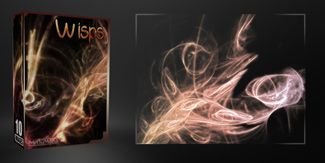
Wisps Pack
We call them Wisps and they sure do rock. Try putting them in a layer behind any graphic or 3D render. There are 10 images and all are around 3000px wide – 300 DPI. Commercial or Personal use ok. Please don’t redistribute them.
You may also like
About the author

jeya
My name is Jeya and I am one of the founders of Media Militia. I enjoy writing new content and designing something fresh! I currently live in beautiful Reno, Nevada. If you have any ideas or comments, please send me an email at contact@mediamilitia.com.
These look great….Props!
Always keep surprising me with new and fresh content. Thanks for sharing. http://www.aditivovisual.com
Fantastic!
Very nice set of particle effects, instant bookmark! 🙂
These are wow… definitely useful my next creations!
great..
thanks.
After I download it , how do i put it on my CS4 ?
@Lee… seriously dude? I know this is coming off as rude, but if you don’t know how to use these, why are you using CS4? Have you not even opened an image in the program before?
To answer your question: File > Open > *navigate to file directory* … double click image file you want to open. You can also navigate to the folder you downloaded the files to, right click the image and select Open With > Adobe Photoshop CS4.
However if you really are unfamiliar with opening image files using CS4, I suggest you get yourself a book, read some beginner tutorials on opening files and using the items on the toolbar, and practice doing all that before trying to do something with these images.
@Wiz – Thanks for helping Lee out.
@Lee – We often see that people don’t unzip the files. Have you unzipped them? After you unzip them, follow @wiz’s instructions.
really excellent work, thank you
I created a tutorial on how I used some of these and the smoke pack, thanks a bunch for giving these for free.
See Tutorial here: http://inspiks.com/create-a-cool-typography-effect-in-photoshop/
these are unbelievable! thanks a ton 🙂
cool, thanks for sharing
Woooow
Thanks a lot !
You rock, great site
Wow, these look stunning.
But the download link doesn’t seem to work anymore, I’m only getting an error page.
Our hosting provider suspended our account. I have moved the files to a new location. Please try the link again. Thanks!
Hi,
I get a 403-error on the link to the zip-file.
Can u please fix this?
Thanks in advance!
The link has been updated. Thanks for letting us know!
Is the link faulty now? my browser is saying forbidden. they ook super awesome and would love to try them out!
Our hosting provider (Site5) said I used to many resources and suspended my account without notice.
I have moved the this pack over to a new location. The link should work now. Sorry about that.
how come the download never starts?
or if it does, it never continues?
Hmmmm….. Worked for me. Try it in another browser and see if it works.
I will use some of this images on a tutorial on my website soon. Thanx this particles are great, very useful
Any chance of sorting the link out or sending me the particles pack. Having trouble downloading as link seems broken.
forget that managed to download eventually… great images – well done
Jeya.. you like an angel in design world…
thanks many many thanks…
is there a transparent background for each pics?
V-nice….. i like it!!!
thanks for sharing..
cool..
Thank you (from France) for sharing your great creations.
Thanks so much for your generosity.
nice..
i like it..
Something’s got to be wrong with the download… It was going nowhere. Couldn’t get it move.
The Download always no mater the browser i use stops at 99,9% and i cant open it .. can someone plz tell me if theres an other way ?
ty
Thanks, very nice job i like…
WOW !!! fantastic…GREAT …
Thank you (from Indonesia) for sharing
really it is the best source to a designer. because i can do work for my customers
who can pay very less from village background but expects more. i cannot leave
my native under unavoidable circumstances……….thanks a lot
I’d love to know what software you used to make these as I find them greatly useful for adding a great deal of depth to typographic artwork.
I was pleased what I saw, wishing you continued creativity and art
Accept
Very useful!Big thanks for you=)
Yall are the BEST………………..Yipppppeeeeeeeee!!! Thanks… 🙂
useful thank u.
I’m lost…
I tried using Wiz’s advice but it only opens up one of the debree brushes at a time. Also, these brushes don’t appear in my brush section with the rest of my brushes. Does anyone know how to get these brushes to go into my brush section?
I’m using CS3.
Ur like the best, i have been looking for stuffs like this thanks a lot brov!!!
wow awesome, you are great really. thk thk thk
This is great you all are very helpfull for us thank you.
this is awesome
Thanks Lot !
Thanks for such a beautiful particle pack……
nice tutorial…thank you
great free stuff!
Hello. Just wanted to thank you for this pack. I used it in so many of my artworks and tutorials. I credited this page every time. This is one of my latest tutorials where I used it: http://www.psdbox.com/tutorials/burning-whishes-abstract-photoshop-tutorial/
Awesome work!
These are fantastic! Thank you!
Thanks, this will come very useful!
Hi! I used your stock here. [link] Thank you very much!
Very nice!
Amazing, Thank you very much
I used this here: http://handockt.deviantart.com/#/d5a74vi thank you so very much!!!!!
used this stock here: http://mililanimak.deviantart.com/art/Pele-338495695
mahalo! Mak
Thanks!