
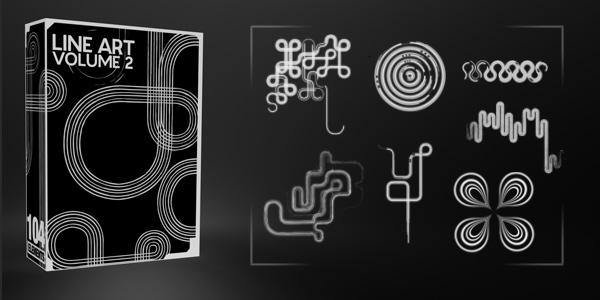
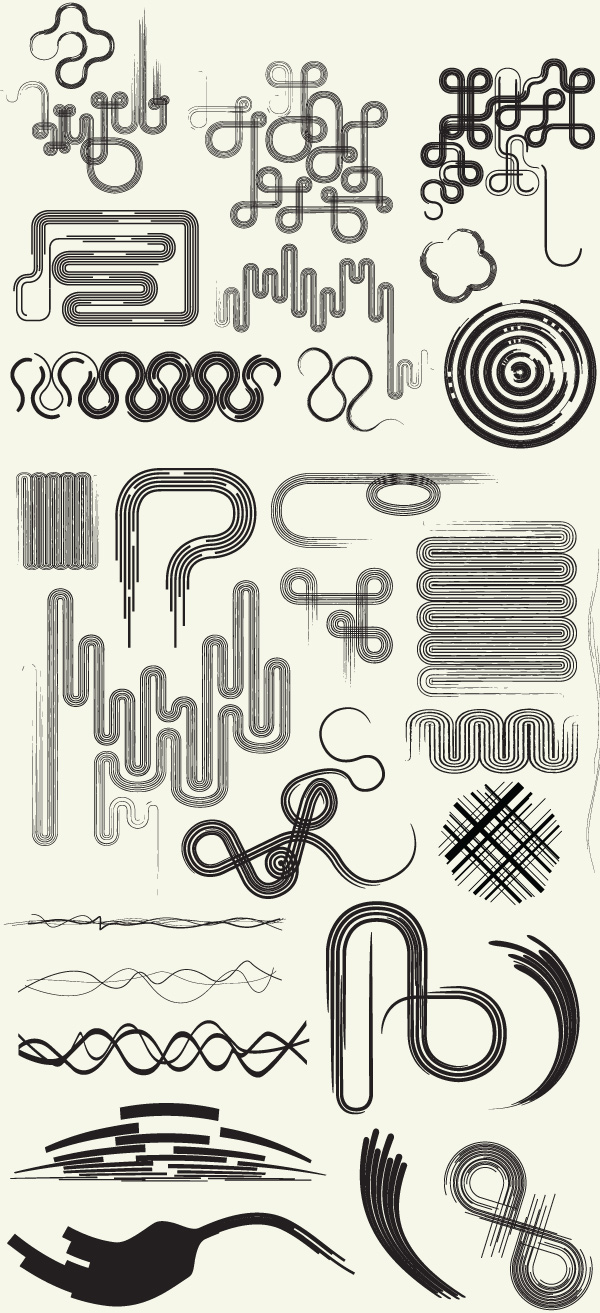
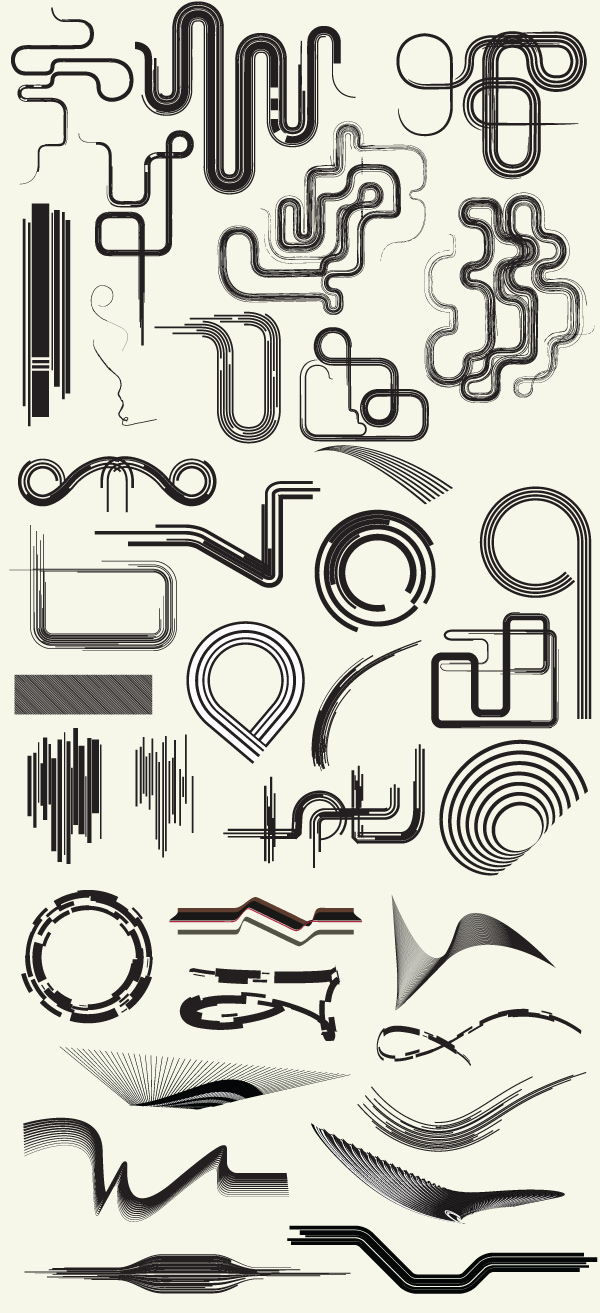
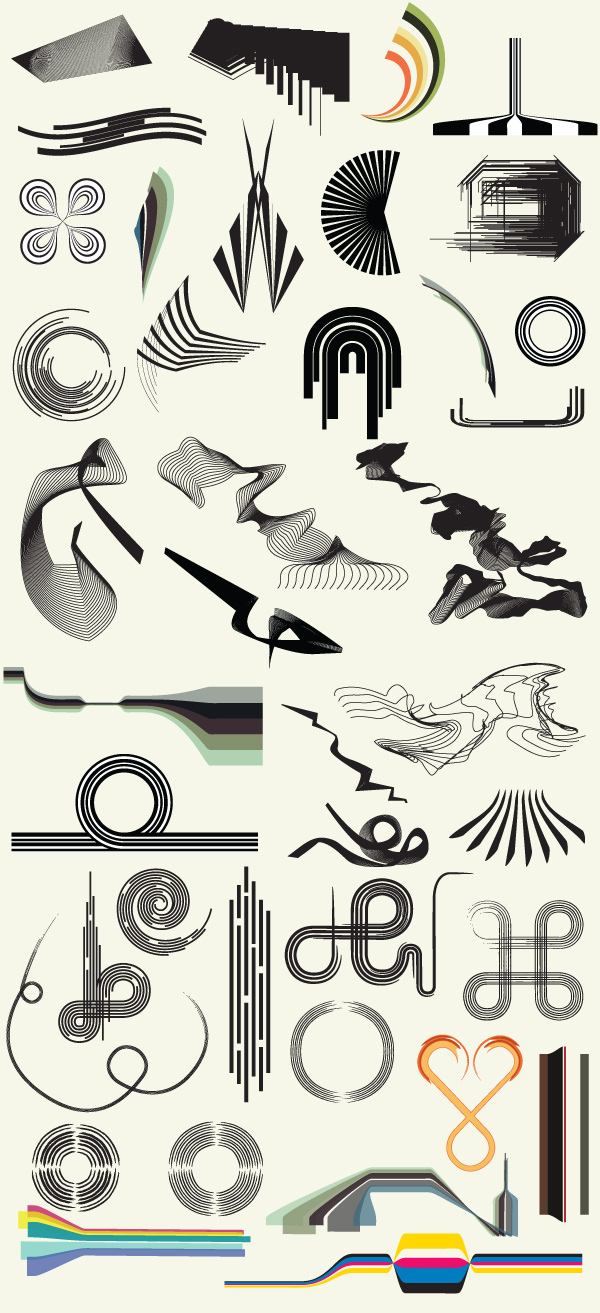
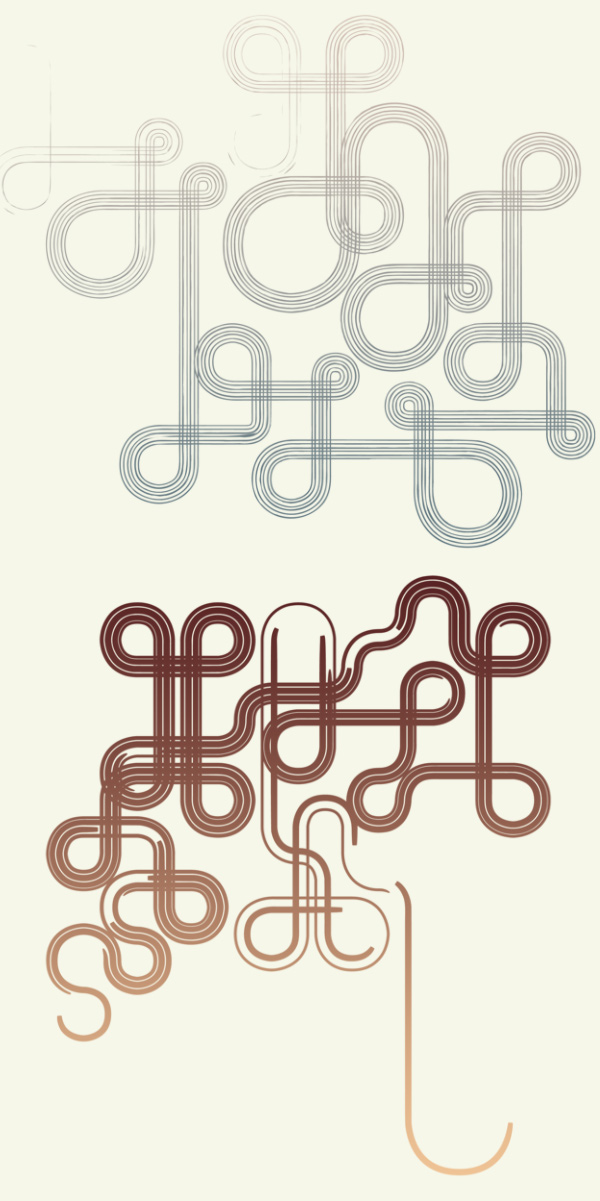
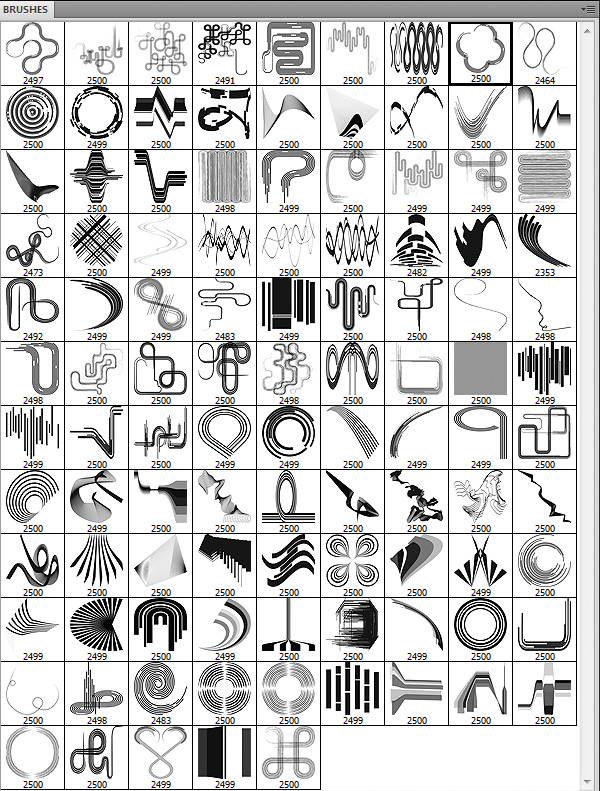
This pack is gigantic! We have included 104 elements in two formats, Photoshop Brushes (ABR) and Vectors (EPS). Line art elements are always a great thing to have in your design toolbox. You can use these elements as a background and create a really intricate design. I hope you enjoy and use them in your designs! As with all of our resources, personal and commercial use is welcomed and encouraged!
Previews:
Related Packs
Did you like this pack? We have a ton of amazing freebies you should check out. Download all of them and start your collection of awesome resources.
Line Art | Volume 1
This free pack has over 40 different line art elements. Try rotating, inverting, and crossing them… you get the point! Just drop them in your project and see what happens.
Creative 3D Lines
This design pack includes 27 images of creative yet chaotic 3D lines. The best part about them is they are in PNG format with a transparent background.

very, very nice.
incredible! amazing!
Thanks…..very nice!!!
Great stuff! Now I just need to find time to play with them.. Thanks
wow…………. amazing……. 🙂
good ……. thanks.
im a newbie can any one help. i dont no how to use the esp files. do u have to add them to a specific folder ?
ps these are amassing vectors
@kaye: All you need to do is open the EPS files into Photoshop. You can also try dragging them into Photoshop while it is open. If you have illustrator, you can use it as well. Let me know if you need any other help. Thank you!
iv tried opening in photoshop which works but it rasterises the image should this happen ?
@Kaye: Yes it will rasterize the EPS if you directly bring it into Photoshop. When it asks you the image size, just specify it as big as you need it.
The best way to work with EPS documents, is by opening them up inside of illustrator and copy and paste them into Photoshop. This was you will have the option to paste it as a smart object and keep it as a vector.
ok thanks for all your help
my name is Nizar
this’s good site for avery designer & infographiste
nice shit
very nice
I think the download link is broken…I’ve noticed this in the other freebies too.
great! thanks a lot.
If you like bizarre liquid effects, you might try an old copy of full Painter (not the bundle painter or the classic painter, I used Painter 7 OS X but it can have slow redraw compared to other stuff on older machines). They have a gloop like effect and the gradient brushes help with better black light or neon effects. (like dropping a lump of acrylic paint onto canvas effect or a realistic black light glow from gradient brushes).
If the people from Adobe and Painter would work together on 3D liquid effects it would be nice. Stuff like liquid metal floating in mid air with a drop shadow distance (like Fireworks) and animation with Flash would be fun.
You guys could most likely sell a big brush pack with the spiral brushes. Those rock. Really.
i’m a young designer from ghana, and i’m really impressed with all stuff, wow..!
wanted to chat with you personally online………..
M I L G R A C I A S
thank you sooo much. theese are absolutely great
gracias desde mexico
Great !!!! Thanks a lot 🙂 🙂 🙂 🙂
Excelent really helpfull… ill try to donate as soon as posible
thanks for your incredible generosity