
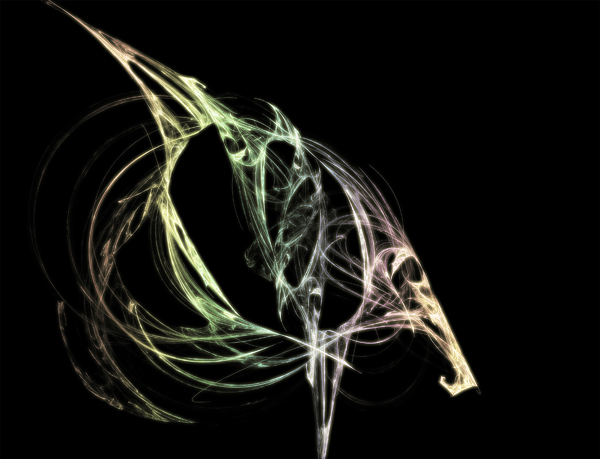
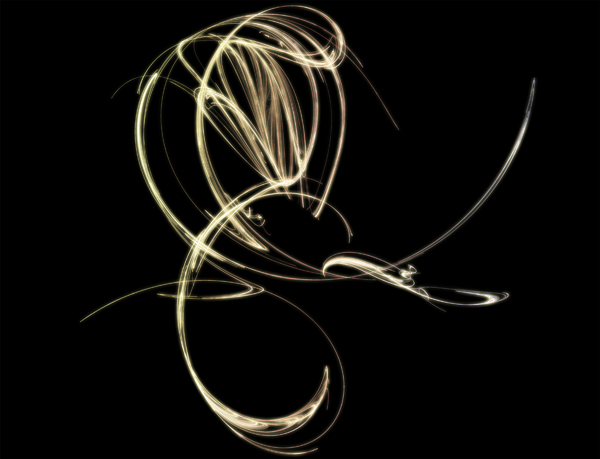
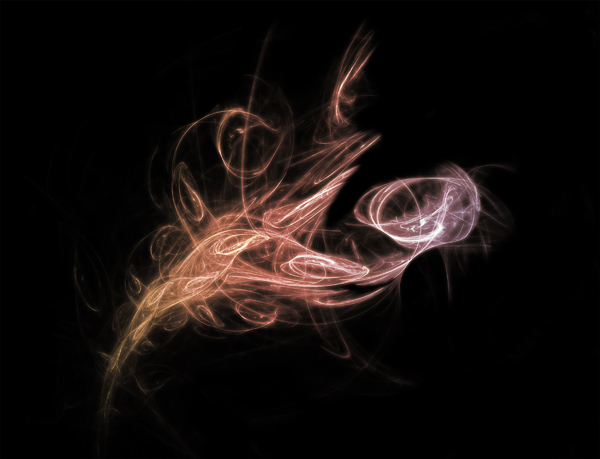
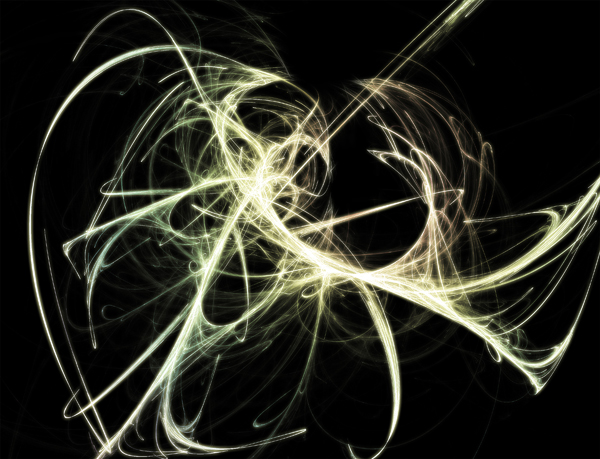
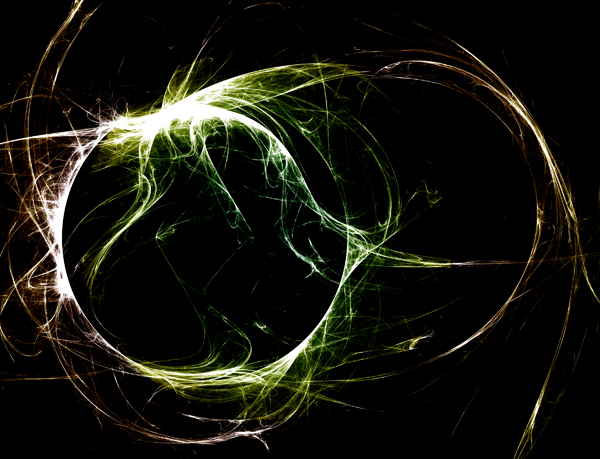
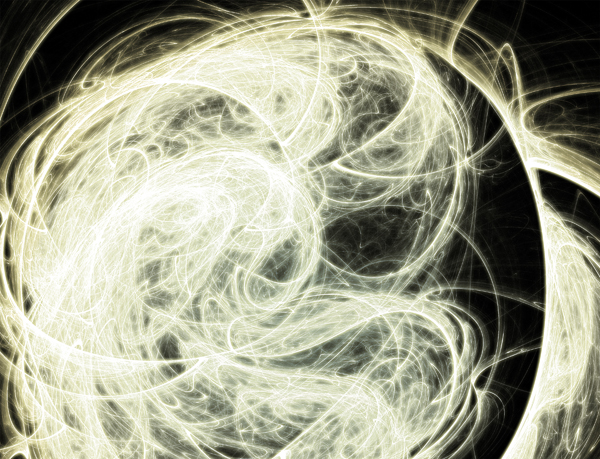
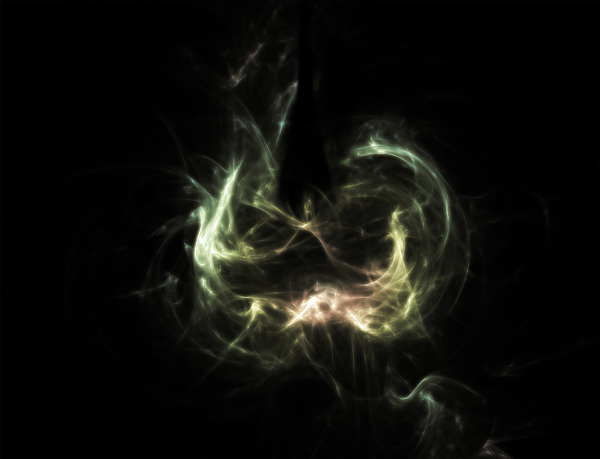
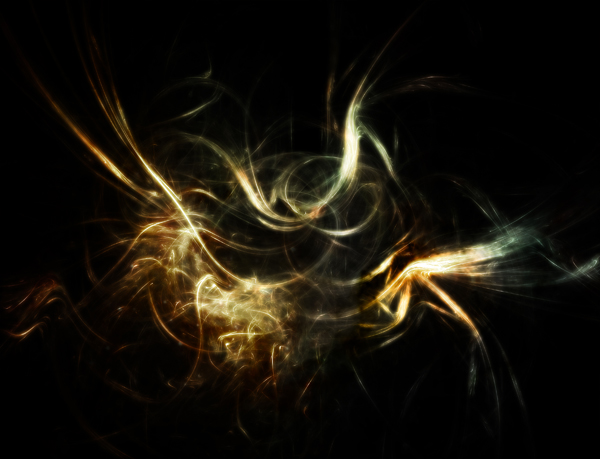
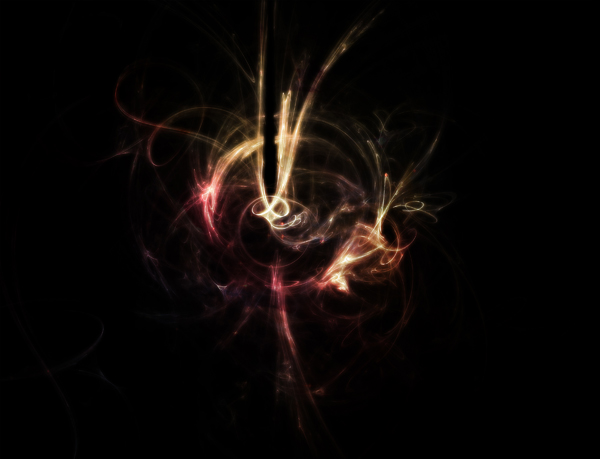
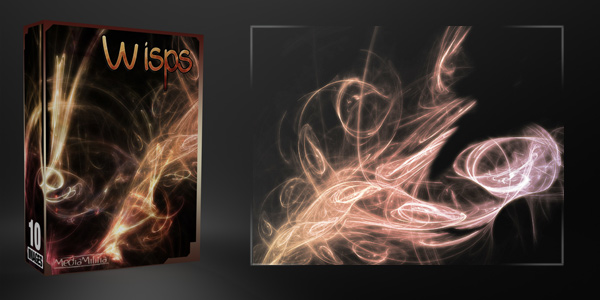
We call them Wisps and they sure do rock. Try putting them in a layer behind any graphic or 3D render. There are 10 images and all are around 3000px wide – 300 DPI. Commercial or Personal use ok. Please don’t redistribute them.
Previews:


My name is Jeya and I am one of the founders of Media Militia. I enjoy writing new content and designing something fresh! I currently live in beautiful Reno, Nevada. If you have any ideas or comments, please send me an email at contact@mediamilitia.com.
cool stuff you guys !!!!!! Wish you the best of luck on your new venture
good work….im curious how you created these. I really dig the glow effect…its something i havent quite mastered
Very lovely. Thank you very much.
Very Cool! How did you make them?
wow .. 😛 there awesome, how would you make these .. ?
These are great visuals! Did you perhaps use “Apophysis” to create the wisp effects? Well done!
Incredible shots. Congratulations to media militia!
Great stuff, I’ll sure use one of them on one project I have in mind….
love it.. thank u so much!
Gracias 😀 DD
these are great, thanks for sharing : )
another awesome pack!!! gr8 work guyz!!!
hello …may i know what your program to make it
Would love to work with you on some new designs for some of my clients. info@bleustarstudios.com
Really stylish – what a cool resource to give away- cheers!
Great freebie. Thanks!
hmm cool graphic….can anybody tell me, what program to create the effects above…?? thanks
Those freebies are just amazing! Tks a lot!
Wow, simply stunning! thanks again.
Wow very nice.. Thank you
Its Amazing Creation, mediamilitia.com have a real art.
thanks
These are nothing short of amazing. I’m actually in the process of making a desktop wallpaper with one of the pictures. I was wondering if you had any pointers for removing the black background
Nevermind! I’d forgotten that with the Hue & Saturation adjustments I didn’t need to cut out the background, just use the ‘Hard Light’ blend mode. Once again, some amazing stuff. It’s great to see such great resources available for free!
Sweeeeet!
Very cool! Thanks for sharing!
is there a tutorial on how to make these???
I don’t believe there is an exact tutorial on how to create them. I should create one though!
thank you! Really cool 🙂
Flood!
Thanks for the great post.
It would be much more beneficial if you could show us how to create these.
I need to learn how to make it not just where to get it.
Check the tutorials. I have a post in there on how to make them. Thanks!
Thanks very much, really look forward to using these cool creations!
it’s cool guys…….how to make it???
wow,I like it…
I definitely plan to use these.. thanks very much.. Excellent resources. I also grabbed your particles kit as well.. thanks again.
Cool! ….kind of like “dreamy Illusions” 🙂
iv used these alot in my sigs and iv been wondering if u guys are planning to make more these are really fantastic
I like the picture.But I can’t download the file on box.net . Can you give me another link? Thanks!
No lo puedo bajar, me das otro link? GRACIAS
hi can some one tell me how to install this free resources into my ps5?
Can’t wait to try these. They are just what I am looking for.
Oh …my god …its coooool …..and free thanks !!!!
Thanks for the great resource
thats great.tanx alot
like this,!!!!
great fantastic. Thank you so much.
very beautiful
Hello!
Can I use images from this site on book covers and sell them?
Thank you!
Short answer: YES!
Long answer all usage and copyright rules and restrictions can be found here: https://mediamilitia.com/copyright-usage/
We are so glad that you want to use them….good luck!
Wowowowowwow!!!! these are just too incredible… Jeya…You are a Genious
OMG!!! I just stumbled upon this site today and the freebies are freaking awesome :O I just learned using how to use Photoshop about 1 or 2 months ago and these kinds of resources are really helpful to me. You guys have my respect with all my heart 🙂 :peace
Oh my god .. That is really cooll…..thank you very very much man ! hehe please develop another packs..me gusta 😀
thanks for shared,even that i don’t now when I’ll use it,but i think i will^^
muy bueno
me encantan sus trabajos, imaginación y creatividad al maximo, gracias por compartirlo.
Great images. Keep ’em coming!
its so cooooooooooollllllllllllllllllll
Thx!
awesome share.
thank u a lot! 😀
super vraiment bonne continuation a vous votre travail ,et merci pour le partage , je vous embrasse amicalement Danielle
This work is genius..thank you so much for doing this
please i need tutorials on how to use these effects on photoshop